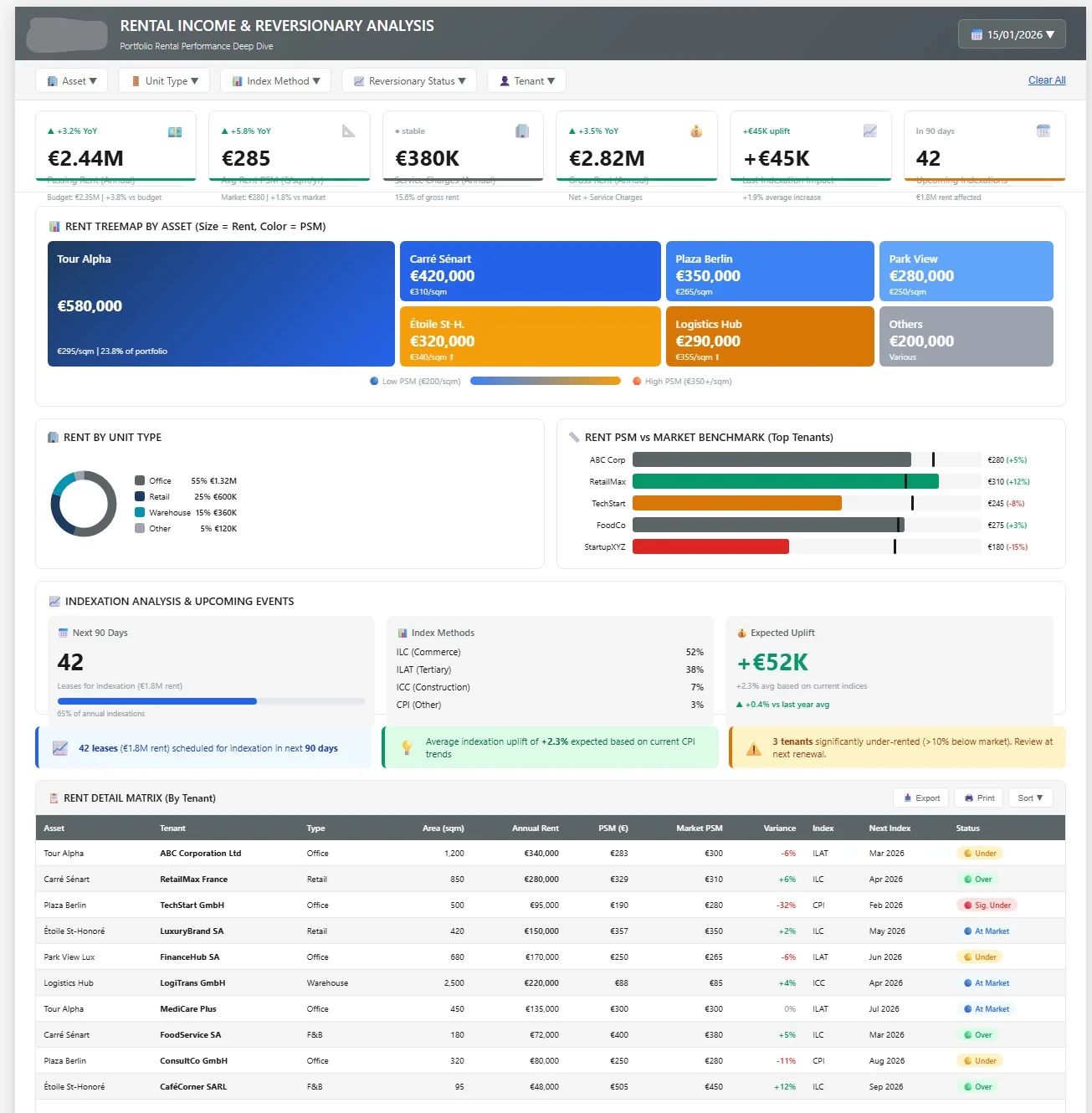
5 Mistakes That Are Killing Your Excel Reports (and How Power BI Solves Them)
Discover the 5 most common mistakes in Excel reporting and how Power BI can transform the way you manage your business.


After 10 years supporting finance departments, I've seen the same mistakes repeated in almost every company. Mistakes that cost time, money, and sometimes the trust of decision-makers.
Here are the 5 most common mistakes, and how Power BI can help you avoid them.
1. Data Silos
The Problem
Each department has its own Excel file. Finance has theirs, HR has theirs, and Sales has a third one. Result? Nobody has the same version of the truth.
I've seen board meetings where each participant arrived with different numbers. Time spent reconciling data? At least 2 hours.
The Power BI Solution
Power BI centralizes all your sources into a single data model. Whether your data comes from Excel, your ERP, your CRM, or a SQL database, everything is consolidated automatically.
-- Example of direct connection to your database
SELECT
    invoice_date,
    amount_excl_tax,
    customer_id
FROM invoices
WHERE year = 2024
2. No Automatic Refresh
The Problem
Every month, someone spends 2 days copying and pasting data, updating formulas, and crossing their fingers hoping no errors slip into the process.
The Power BI Solution
With Power BI, your data is refreshed automatically. Once configured, your report updates on its own, at the frequency of your choice.
One of my clients reduced their monthly reporting time from 3 days to 30 minutes thanks to automatic refresh.
3. Nested Formula Nightmare
The Problem
You know those Excel files with 3-line formulas? Nested INDEX(MATCH(...)) inside IF(IF(IF(...)))? Nobody dares modify them for fear of breaking everything.
The Power BI Solution
Power BI uses DAX, a language designed for data analysis. More readable, more powerful, and most importantly: documentable.
YTD Revenue =
CALCULATE(
    SUM(Sales[Amount]),
    DATESYTD(Calendar[Date])
)
4. Lack of Drill-Down
The Problem
Your revenue dropped 15% this month. Why? With Excel, it takes you 20 minutes to identify whether it's a customer, a product, or a region causing the problem.
The Power BI Solution
With one click, you can navigate from macro to micro. From total revenue to detail by product, by customer, by sales rep. This is called drill-down.
5. Dependency on a Single Person
The Problem
Everyone knows "the one who masters the Excel file." When they go on vacation (or worse, leave the company), panic ensues.
The Power BI Solution
Power BI encourages best practices:
- Built-in documentation
- Version control
- Separation of responsibilities (data / visualization)
- Shared access with permissions
Ready to Migrate?
Migration from Excel to Power BI isn't a big bang. It's a gradual transition that respects your existing processes.
Here's my 4-step methodology:
- Audit: Mapping of your existing Excel files
- Prioritization: Identification of quick wins
- Migration: Building the Power BI model
- Training: Team autonomy
Want to assess your migration potential? Book a free 30-minute diagnostic to analyze your situation together.
Newsletter
1 email per month, no spam
Receive my latest articles on Power BI, automation and data directly in your inbox.