
Successfully Transitioning from Power BI to Microsoft Fabric: Avoid the 7 Most Common Mistakes
Discover how to successfully transition from Power BI to Microsoft Fabric without making common mistakes. Guide for capacity optimization, workspace management, and financial data security.

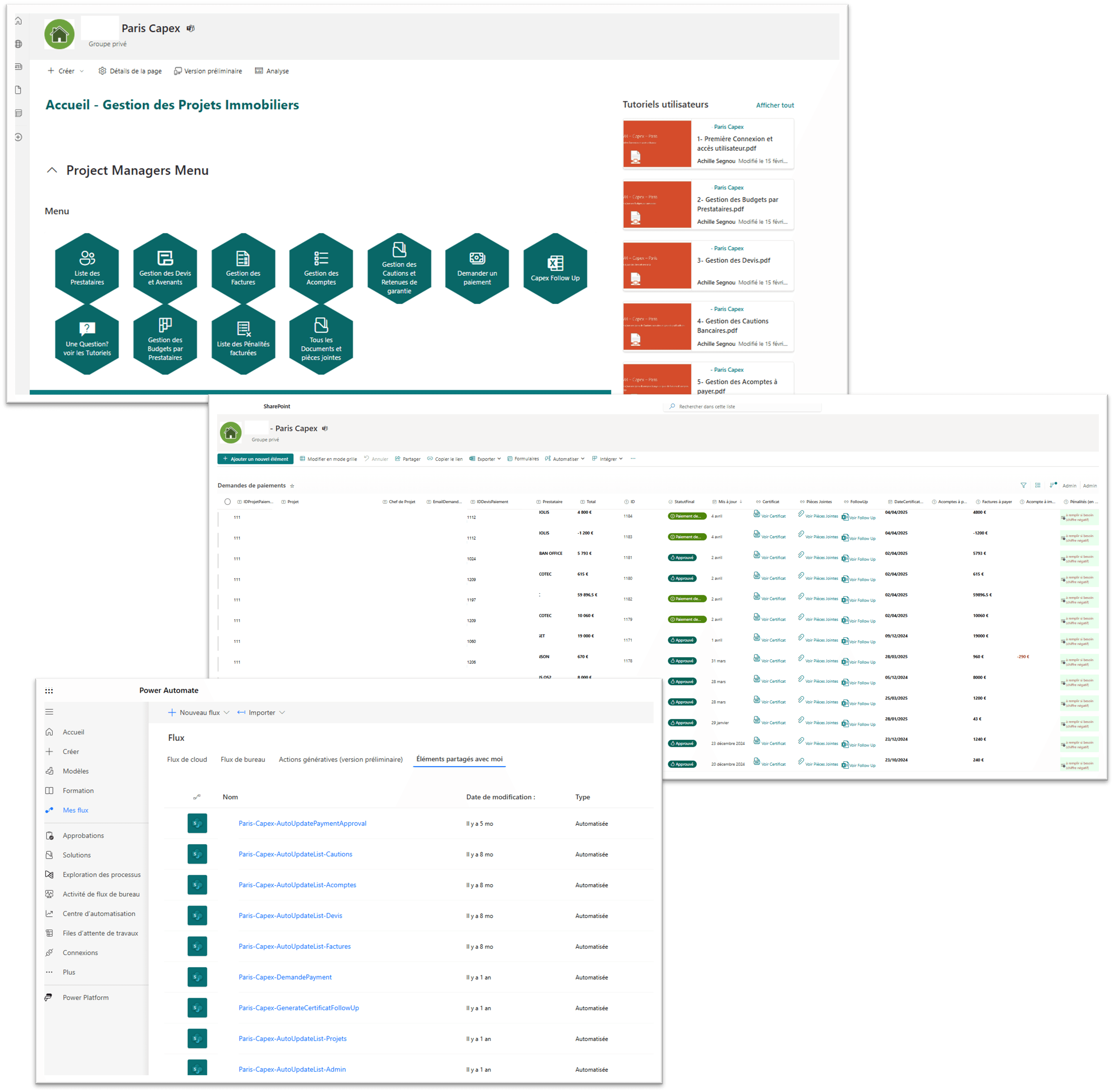
The transition from Power BI to Microsoft Fabric represents a major evolution for data and finance teams. This article guides you through the 7 most common mistakes to avoid for a successful migration.
Why Migrate to Microsoft Fabric?
Microsoft Fabric unifies the entire data stack under a single platform:
- Data Engineering with Lakehouses
- Data Science with notebooks
- Real-Time Analytics
- Data Warehouse
- Power BI for visualization
Microsoft Fabric is not a replacement for Power BI, but an extension that adds data engineering capabilities to your existing environment.
The 7 Mistakes to Avoid
Mistake #1: Not Evaluating Required Capacity
The problem: Underestimating or overestimating necessary Fabric capacity can be costly.
The solution:
- Analyze your current Power BI consumption
- Estimate additional needs (Lakehouse, notebooks)
- Start with F2 or F4 capacity for testing
- Scale up gradually
Mistake #2: Migrating All Workspaces at Once
The problem: A "big bang" migration multiplies failure risks.
The solution:
- Identify a pilot workspace
- Test all features
- Document encountered issues
- Deploy progressively to other workspaces
Never migrate your production reports first. Always start with a test environment.
Mistake #3: Ignoring Data Governance
The problem: Without clear governance, data proliferates chaotically.
The solution:
- Define a naming convention for Lakehouses
- Establish data quality rules
- Implement lineage (traceability)
- Document data flows
Mistake #4: Neglecting Team Training
The problem: Fabric introduces new concepts (Lakehouse, Delta Lake, Spark) that Power BI teams may not master.
The solution:
- Train teams on Fabric fundamentals
- Identify "champions" in each team
- Create internal documentation
- Allow learning time
Mistake #5: Misconfiguring Security
The problem: Financial data requires strict security.
The solution:
- Review permissions at workspace level
- Configure Row-Level Security (RLS) on Lakehouses
- Enable audit logs
- Implement encryption for sensitive data
Mistake #6: Duplicating Data Without Reason
The problem: Creating data copies increases costs and inconsistency risks.
The solution:
- Use Shortcuts to access existing data
- Centralize reference data (master data)
- Avoid manual Excel exports
- Implement a Medallion architecture (Bronze/Silver/Gold)
Mistake #7: Forgetting About Performance
The problem: Poorly optimized queries can excessively consume capacity.
The solution:
- Optimize semantic models (e.g., composite models)
- Use aggregations for large volumes
- Configure appropriate caching
- Monitor consumption with Capacity Metrics
Migration Checklist
Phase 1: Preparation
- [ ] Audit of existing Power BI
- [ ] Capacity requirements estimation
- [ ] Team training
- [ ] Governance definition
Phase 2: Pilot
- [ ] Pilot workspace selection
- [ ] Migration and testing
- [ ] Learnings documentation
- [ ] User validation
Phase 3: Deployment
- [ ] Progressive workspace migration
- [ ] Security configuration
- [ ] Monitoring setup
- [ ] User communication
Phase 4: Optimization
- [ ] Performance analysis
- [ ] Capacity adjustment
- [ ] Continuous improvement
- [ ] Additional training
Conclusion
The transition to Microsoft Fabric is an opportunity to modernize your data infrastructure. By avoiding these 7 common mistakes, you maximize your chances of success and minimize risks for your critical financial data.
Take the time to properly prepare your migration and don't hesitate to seek external help if needed.
Need support for your Fabric migration? Book a free diagnostic
Newsletter
1 email per month, no spam
Receive my latest articles on Power BI, automation and data directly in your inbox.
Related articles